ERP for Small Manufacturers: Where to Start
ERP for small manufacturers: when you need one, which modules to start with, how to compare Tally, Zoho, Odoo and ERPNext, and how to avoid a failed rollout.
By Taiyaba · 6 min read
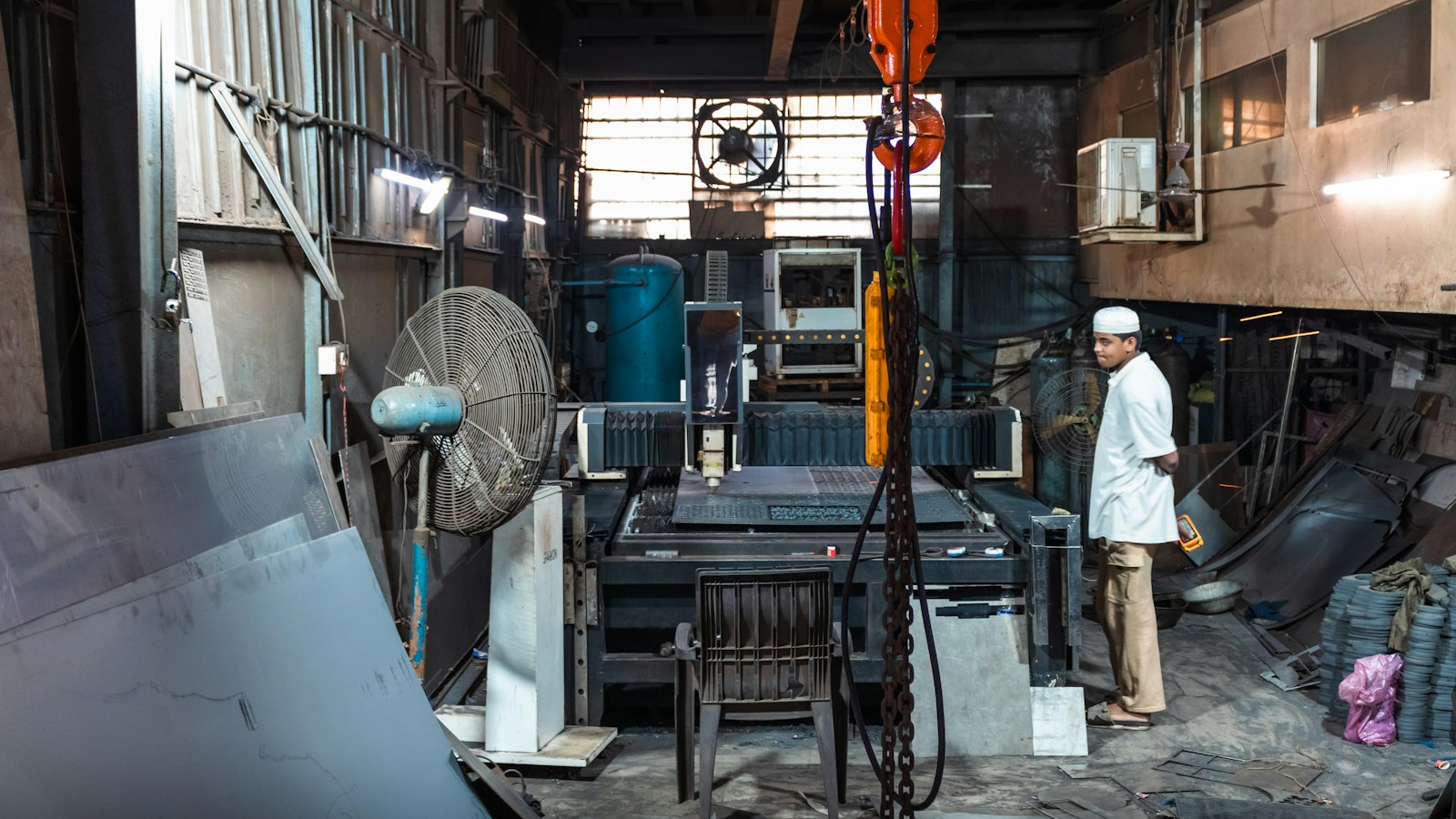
The right ERP for small manufacturers starts with your production process, not a software demo. Begin by mapping how an order becomes a finished product, find the two or three places where spreadsheets and phone calls break down (usually inventory, bills of materials and production planning), and pick a system that fixes those first. Roll out in phases, keep the scope small, and expect the data clean-up to take longer than the software set-up.
What an ERP does for a small manufacturer
An ERP (enterprise resource planning) system puts purchasing, stock, production, sales and accounts into one database. When a sales order comes in, the system can check stock, work out which raw materials you need from the bill of materials (BOM), raise purchase orders for what's short and schedule a work order on the shop floor. Finance sees the same numbers without anyone re-typing them.
For a manufacturer with 15 to 150 people, the benefits are practical. You know what stock you actually have. You know what a product costs to make, including scrap and labour. You can promise a delivery date with some confidence. In India, a good ERP also generates GST invoices, e-invoices and e-way bills from the same records, which removes a lot of month-end reconciliation.
Signs you need an ERP (and signs you don't yet)
You probably need one if your team keeps a stock register in Excel that never matches the physical count, if production planning lives in one supervisor's head, or if you can't say what margin you made on last month's biggest order. Another sign is when sales promises dates without checking material availability, then the floor scrambles.
You probably don't need one yet if you make a handful of standard products, your accounting package already handles inventory well enough, and the owner can still see the whole operation in a day. Tally Prime, for example, handles stock, basic BOMs and GST compliance for many small units. Paying for a full ERP before you have outgrown that is money spent on screens nobody opens.
Which modules to start with
Most failed rollouts try to switch on everything at once. A small manufacturer should start with the modules that touch the most daily pain, then add the rest once people trust the data.
| Phase | Modules | Why first |
|---|---|---|
| 1 | Inventory, purchase, sales, GST invoicing | Gives one source of truth for stock and orders |
| 2 | Bill of materials, work orders, basic MRP | Links orders to material needs and production |
| 3 | Quality checks, costing, job work tracking | Adds margin visibility and supplier control |
| 4 | Maintenance, HR, payroll, dashboards | Useful, but rarely the first bottleneck |
Job work deserves a mention for Indian manufacturers. If you send material to subcontractors for plating, machining or painting, you need the system to track what left, what came back and what's still out, with the right GST challans. Check this specifically in any demo, because some international products handle it poorly.
How to compare ERP options in India
The market for small manufacturers in India roughly splits into four groups. None is best for everyone.
| Option | Typical fit | Things to check |
|---|---|---|
| Tally Prime with add-ons | Very small units already on Tally | How far manufacturing add-ons go; multi-user access |
| Zoho (Inventory, Books, plus custom apps) | Simple assembly, trading plus light manufacturing | Depth of BOM and production planning |
| Odoo | Growing manufacturers wanting many modules | Per-user licence cost; quality of implementation partner |
| ERPNext | Teams comfortable with open source | Hosting and support; who customises it |
| SAP Business One, Dynamics 365 Business Central | Larger SMEs with complex needs or foreign parents | Licence and partner cost; implementation time |
Prices vary a lot by user count, modules, hosting and the partner you choose, so treat any figure you see online as a starting point. What moves the cost most is rarely the licence. It's the implementation: data migration, custom reports, training and the changes people ask for once they start using it.
A worked example: a 40-person component maker
Take a 40-person precision component maker in Pithampur, near Indore. It supplies three automotive customers, keeps about 600 raw material and finished part codes, and sends parts out for heat treatment. Stock lives in Excel, invoicing in Tally, and production planning on a whiteboard.
A sensible first phase covers inventory, purchase, sales and GST invoicing for 10 users: stores, purchase, accounts, sales and the two production heads. Licences for a mid-range cloud ERP at that size often come to a few lakh rupees a year, and implementation for phase one commonly costs similar or more, depending on the partner. Phase one takes about eight to twelve weeks, and roughly half of that is cleaning item codes. The 600 codes in Excel usually turn out to be 450 real items with duplicate names like "MS Rod 12mm" and "M.S. ROD 12 MM".
Phase two adds BOMs for the top 50 parts by volume, which cover most of the revenue, plus job work tracking for heat treatment. Only after three months of reliable stock numbers does the company add MRP to suggest purchases automatically. Turning MRP on with bad stock data would just automate wrong orders.
How to run the selection without regret
Write down your process before you see a single demo. A two-page description of how an order flows through your factory, with the exceptions (rush orders, rejections, rework, partial dispatch), is the best requirements document you'll have.
Then shortlist two or three systems and give each vendor the same script: "Show us a sales order for 500 units of part X, which needs material Y we're short of, with one operation sent out for job work." Watching them do your real scenario tells you more than a polished presentation. Ask to speak to two existing customers in manufacturing, and ask what the partner's support looks like after go-live.
Finally, decide who owns the system internally. An ERP with no internal owner drifts back to spreadsheets within a year. That person doesn't need to be technical, but they need time set aside and the authority to make people enter data properly. If you're also choosing a CRM for the sales side, our guide on choosing a CRM for a small business in India covers how the two systems should fit together.
When an ERP won't fix the problem
Software can't fix a process nobody agrees on. If sales, stores and production each describe the order flow differently, sort that out on paper first. An ERP also won't help much if the real issue is a single overloaded supervisor or an unreliable supplier. And heavy customisation is a warning sign: if you need to change the product a lot to fit how you work, either the product is wrong or the process needs a rethink, and the customisations will make every future upgrade harder.
FAQ
How long does ERP implementation take for a small manufacturer?
A focused first phase covering inventory, purchase, sales and invoicing usually takes two to four months. Adding production planning and costing typically takes another few months, depending on how clean your data is.
Is cloud ERP or on-premise better for a small factory?
Cloud ERP is simpler for most small manufacturers, since there's no server to maintain and staff can use it from the floor or on the road. On-premise can make sense where internet at the plant is unreliable, though a backup connection often solves that.
Can we keep Tally and add an ERP alongside it?
Many companies do, using the ERP for operations and syncing invoices or vouchers to Tally for accounts. It works, but each integration is one more thing to maintain, so check how the sync handles corrections and returns.
If you want an independent view before signing a licence, our IT Consulting team helps manufacturers map their process, shortlist ERPs and check vendor proposals, with no commission on the choice. You can read more about how we work as an IT consulting company in Indore.
Cover photo by Zoshua Colah on Unsplash.
Tags
- ERP
- manufacturing
- IT consulting
- inventory
More on this topicIT Consulting