Website Redesign: Signs You Need One and How to Do It Safely
Website redesign guide: the signs you need one, when a refresh is enough, and a step-by-step plan to protect your rankings, redirects and enquiries.
By Taiyaba · 6 min read

A website redesign is worth doing when your current site loses you enquiries: it's slow or awkward on phones, it no longer describes what you sell, or nobody on your team can update it. Doing it safely means auditing what already works before you change anything, keeping or redirecting every URL that brings traffic, and launching on a staging site that has been tested on real phones. Most redesigns that lose rankings skip the redirect plan.
Signs you need a website redesign
Looks alone are a weak reason. These are stronger ones, roughly in order of how much money they cost you:
- Mobile visitors struggle. Buttons are too small, menus don't work, forms are painful to fill in on a phone. For most Indian businesses, the majority of visitors are on mobile.
- The site is slow. Pages take several seconds to load on a 4G connection, and Google's Core Web Vitals report in Search Console shows pages marked "Poor".
- It describes an old business. You've added services, dropped others, moved into new cities or changed who you sell to, and the site still says what you did three years ago.
- Only one person can edit it. Changing a phone number means calling a freelancer who may or may not reply.
- Enquiries have dropped while traffic hasn't. People arrive but don't call, message or fill in the form.
- It's built on something unsupported. An old PHP version, an abandoned theme, or a page builder that breaks with every update, which is also a security risk.
If only one of these applies, a targeted fix may be enough. If three or more apply, a redesign usually makes sense.
Redesign or refresh: which do you need?
A full redesign means new structure, new design and often a new platform. A refresh keeps the structure and platform but improves design, speed and content. A refresh is cheaper, faster and carries less SEO risk.
| Situation | Better choice |
|---|---|
| Site works, looks dated, structure is fine | Refresh: new styles, better images, faster pages |
| Content is out of date but platform is fine | Rewrite content, keep design and URLs |
| Platform is unsupported or impossible to edit | Redesign, often on a new platform |
| Business has changed what it sells or to whom | Redesign with new structure and messaging |
| Slow only because of images and plugins | Performance fix, no redesign |
How to do a website redesign safely, step by step
1. Record what you have before touching anything
Export the list of every URL on the current site, using a crawler such as Screaming Frog (free for up to 500 URLs) or your CMS. From Google Search Console, export the pages and queries that bring clicks over the last 12 months. From analytics, note which pages lead to enquiries. This is your baseline. Without it you can't tell later whether the new site did better or worse.
2. Decide what stays, what merges and what goes
Go through the URL list and mark each page: keep as is, merge into another page, or remove. Pages that bring search traffic or enquiries should keep their URL if at all possible. If a URL has to change, it needs a 301 redirect to the closest matching new page, not to the homepage.
3. Write the redirect map
This is a simple spreadsheet with two columns: old URL and new URL. Every old URL with traffic or backlinks gets a row. Google's guidance on site moves with URL changes explains why page-to-page redirects matter and how long it can take for rankings to settle.
4. Build on staging, with real content
Build the new site on a staging address that search engines can't index (password protection is the simplest way). Use real content from early on, not placeholder text, because content length changes layouts. Ask the people who answer customer calls what visitors ask most, and make sure the answers are easy to find.
5. Test like a customer
Before launch, check on two or three real phones, including a mid-range Android, on mobile data. Submit every form and confirm the enquiry arrives. Click the WhatsApp and call buttons. Check that page titles, meta descriptions and headings carried over for important pages, and that analytics and conversion tracking fire.
6. Launch, then watch closely for a month
Go live at a quiet time, apply the redirects, remove any "noindex" setting left over from staging, and submit the new sitemap in Search Console. Then check the Pages report and 404 errors weekly. Some ranking movement in the first few weeks is normal. A steady drop on pages that used to perform usually points to a missing redirect or lost content.
A worked example: a CA firm's 80-page site
A chartered accountancy firm in Indore has an 80-page WordPress site built in 2018. It ranks for "GST registration in Indore" and a few income tax queries, which bring most of its enquiries. The theme is abandoned, the site fails on mobile, and two partners have joined with new services.
The audit shows 22 pages with search clicks in the last year, and about 30 blog posts from 2018 to 2019 with no traffic. The plan keeps all 22 URLs unchanged, merges eight thin service pages into four stronger ones with redirects, and removes the 30 dead posts, redirecting the few that have backlinks to a relevant service page. That gives a redirect map of around 40 rows.
The new site goes on a maintained WordPress theme, keeps the same domain, and adds pages for the new partners' services. Because the pages that earned enquiries keep their URLs and content depth, the firm can expect rankings to hold steady through launch, with the new service pages building up over the following months.
Mistakes that make a redesign lose rankings
The most common is changing URLs without redirects. The second is cutting content because the new design "looks cleaner" with less text, which removes the answers Google was ranking you for. Others include launching with the staging site's "discourage search engines" box still ticked, losing page titles in a platform move, and forgetting tracking codes so you can't measure the result. Planning the new site properly before briefing a developer prevents most of these; our guide on planning a business website before you hire a developer covers that stage.
When not to redesign
Don't redesign because a competitor did, or because you're tired of looking at your own site. If your site loads quickly, works on phones, and enquiries are steady, improve content and run small tests on headlines and calls to action instead. A redesign also isn't the right fix if the real problem is no traffic. Then the work is SEO and marketing, and a new design on an invisible site changes nothing.
FAQ
Will a website redesign hurt my SEO?
It can if URLs change without redirects or important content is removed. With a complete redirect map, the same or better content, and a careful launch, most sites keep their rankings and often improve them.
How long does a website redesign take?
A small business site of 10 to 30 pages usually takes four to eight weeks from audit to launch. Larger sites, platform changes or slow content approvals can stretch that to a few months.
Should I change platform during a redesign?
Only if the current platform is holding you back, for example it's unsupported or nobody can edit it. Changing platform adds work and risk, so it should solve a specific problem.
If you'd like help planning and building a redesign that keeps what already works, our Web Development team handles audits, redirect maps and staged launches. You can learn more about us as a website development company in Indore.
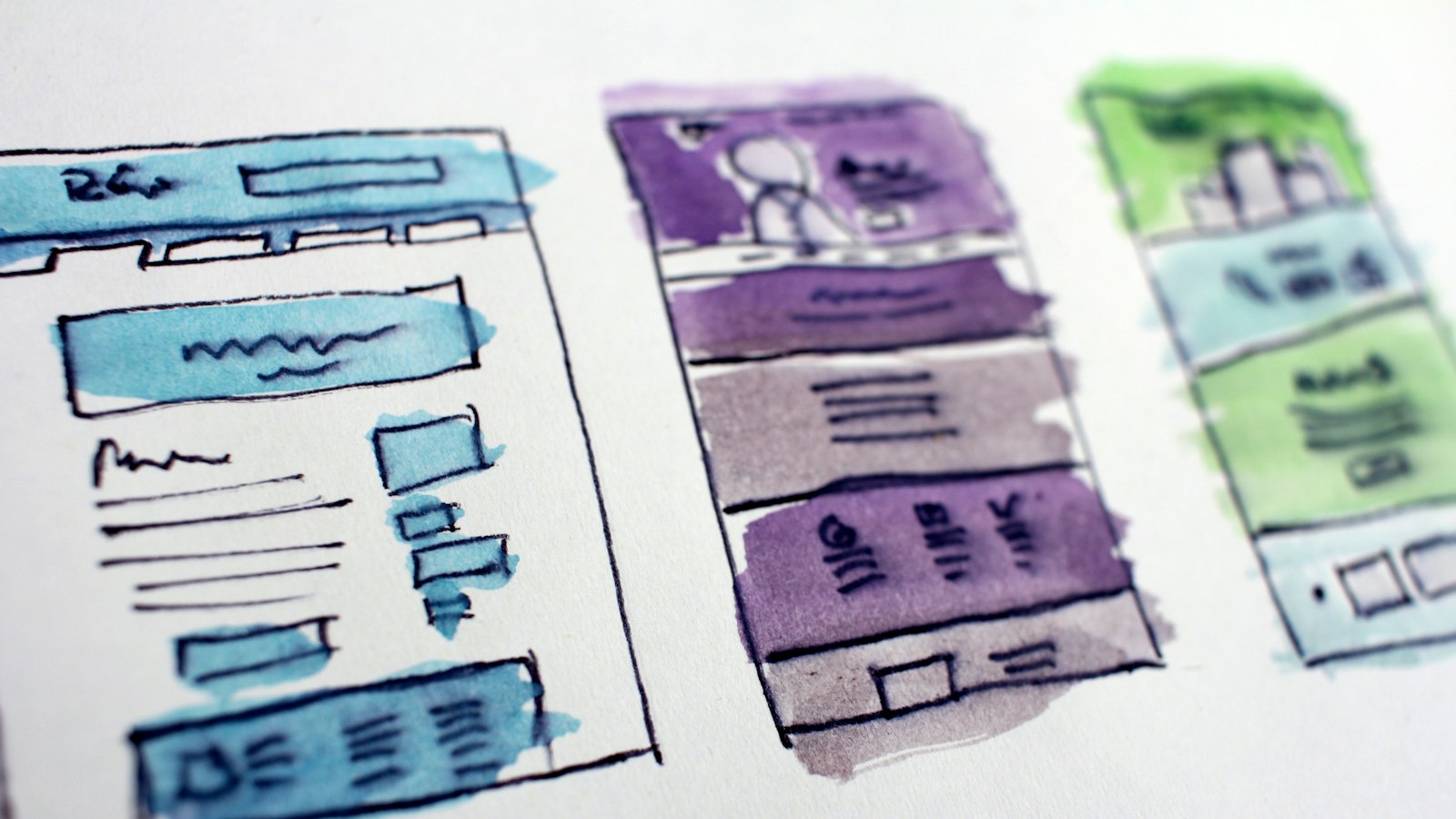
Cover photo by Theme Photos on Unsplash.
Tags
- website redesign
- web development
- SEO
- redirects
More on this topicWeb Development